PDF · 14 pages
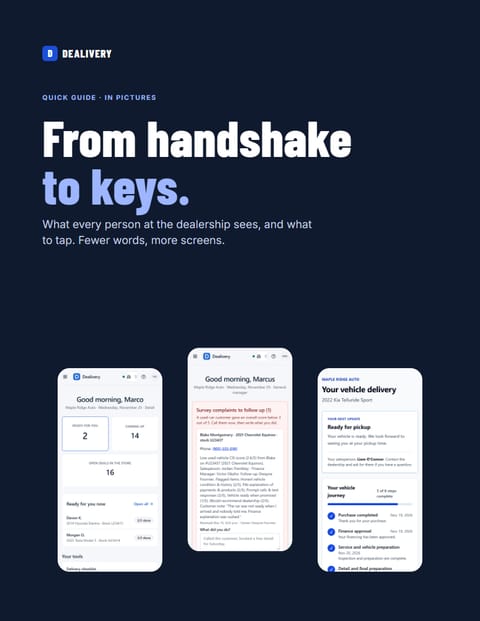
Quick guide in pictures
Every job's screen, one picture at a time: how a deal moves, each department, the customer's phone and the showroom TV.
Resources
The user manual in pictures, a card for every job, the getting-started checklist and the spreadsheets for day one. Every screen shows our practice store; all names are made up.
User manual
PDF · 14 pages
Every job's screen, one picture at a time: how a deal moves, each department, the customer's phone and the showroom TV.
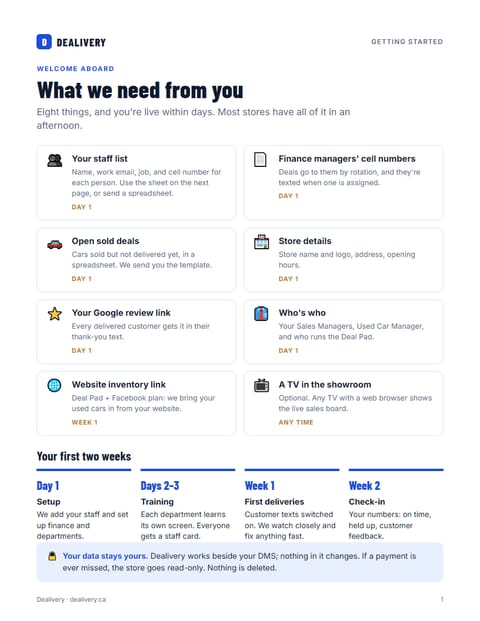
PDF · 2 pages
What a new store sends us, the first two weeks, and a staff sheet to fill in.
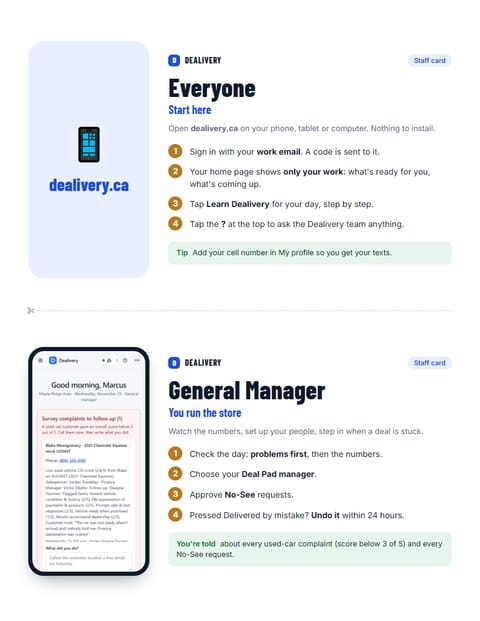
PDF · 14 cards
One card per job, two per page to print and cut. Hand them out on training day.
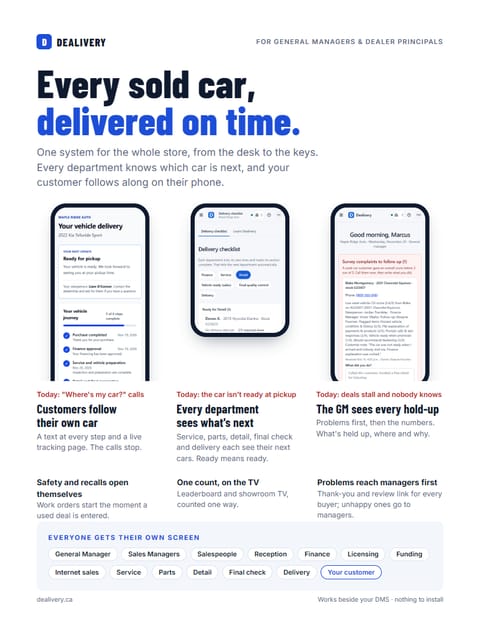
PDF · 2 pages
Front and back. What changes in the store, pricing, and what it saves. Leave it with the GM or email it after a visit.
Demo video
Spreadsheet templates
A new store fills these in so their team, deals and cars load on day one. Open them in Excel, Numbers or Google Sheets.
Need a hand?
Support by email and phone, business days 8–5 ET. We reply the same business day. Already on Dealivery? Tap the ? at the top of any screen.